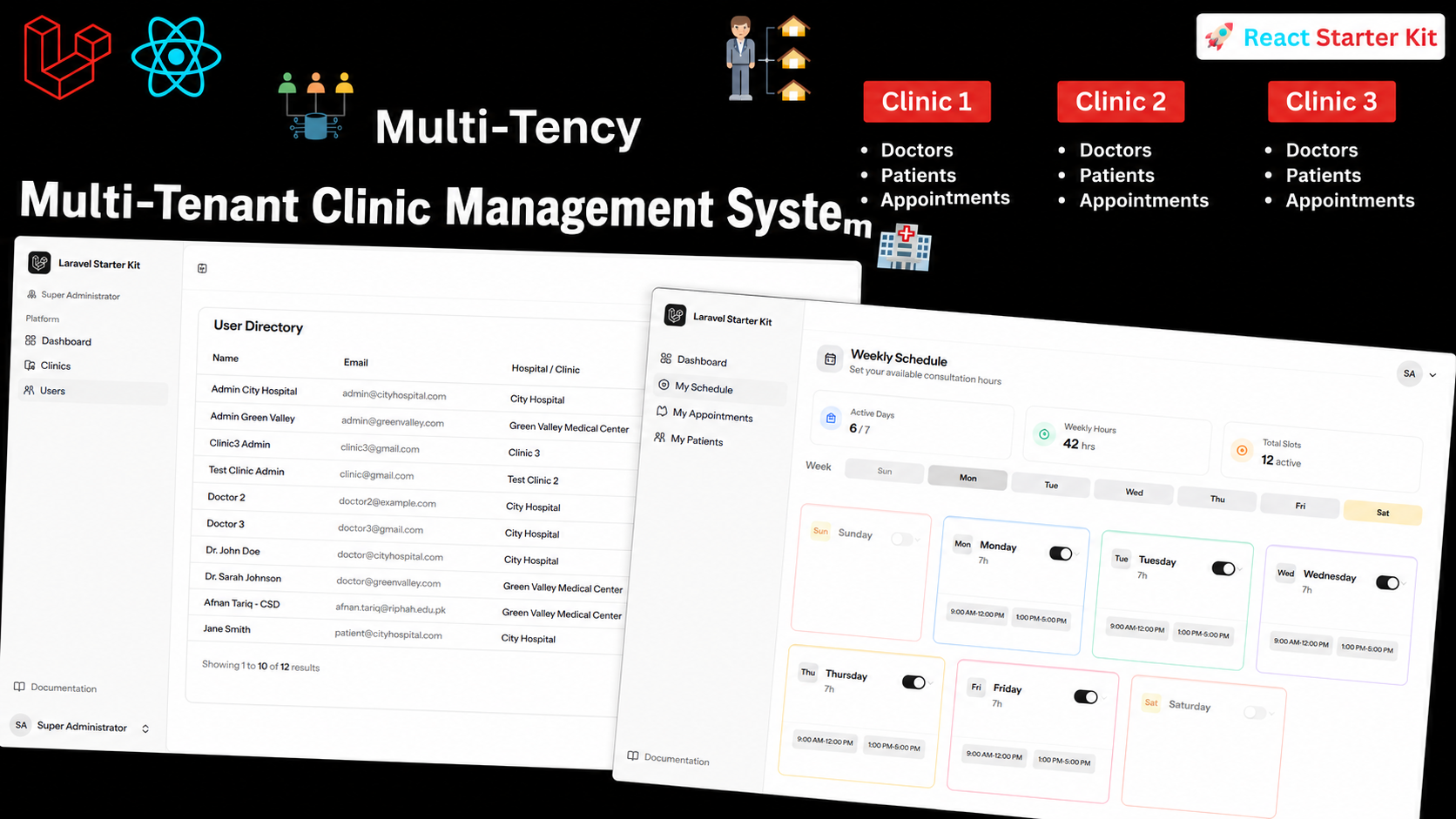
Multi-tenant SaaS applications power some of the most widely used software in the world — from Slack to Shopify to modern healthcare platforms. In this tutorial, we build one from the ground up: a Clinic Management System where multiple clinics share a single Laravel 12 + React application while keeping every clinic's data completely isolated from the others.
By the end of this course, you'll have a working SaaS product with four distinct dashboards — Super Admin, Clinic Admin, Doctor, and Patient — all secured with role-based authentication and built on a scalable multi-tenant database structure.
Why Multi-Tenant SaaS?
Most businesses can't justify a dedicated server and database for every customer. Multi-tenancy solves this by letting many clinics run on the same codebase and infrastructure while their appointments, doctors, and patient records stay logically separated. This keeps hosting costs low, simplifies updates (one codebase to maintain), and still gives each clinic the feeling of having its own private system.
This project is a great real-world example because clinics have natural, well-defined roles:
- Super Admin — manages the whole platform and onboards new clinics
- Clinic Admin — manages a single clinic's staff, doctors, and settings
- Doctor — manages their schedule, patients, and appointments
- Patient — books appointments and views their own records
Tech Stack
| Layer | Technology |
|---|---|
| Backend Framework | Laravel 12 |
| Frontend | React + Inertia.js |
| Styling | Tailwind CSS |
| Build Tool | Vite |
| Database | MySQL |
| Starter Kit | Laravel React Starter Kit |
Inertia.js is the glue that makes this stack so productive — it lets you build a fully client-rendered React interface while keeping Laravel's routing, controllers, and validation on the backend, without needing to stand up a separate REST or GraphQL API.
Project Architecture
The course starts with the fundamentals before layering on complexity:
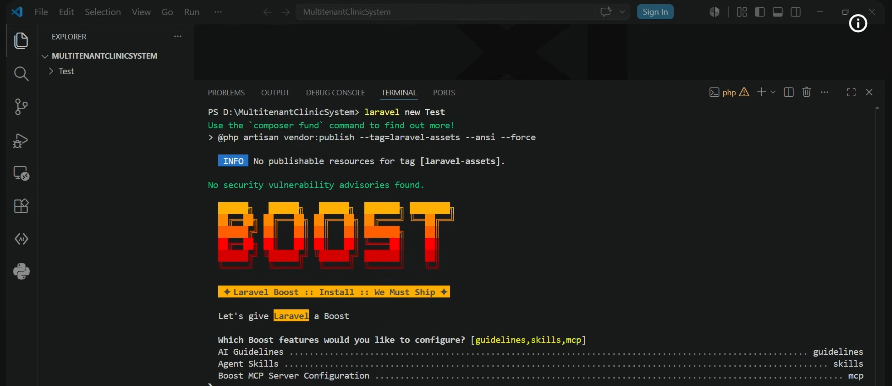
- Fresh Laravel 12 install and MySQL configuration
- Database design — migrations, models, and seeders built around a multi-tenant schema
- Reusable sidebar navigation shared across all dashboard roles, with role-based menu items
- Multi-tenant isolation — every clinic's data is scoped so no clinic can ever see another's records
- Role-based authentication and authorization — controlling exactly what each user type can access
Getting the database structure right early is the single most important decision in a multi-tenant build — it's what makes everything downstream (permissions, queries, UI) fall into place cleanly.
Building the Four Dashboards
1. Super Admin Module
The platform owner's control center. From here, you can onboard new clinics, manage subscriptions, and get a bird's-eye view of the entire system.
2. Clinic Admin Module
This is the largest module in the course. Clinic Admins manage their own doctors, staff, and clinic-specific settings — all scoped so they only ever interact with their own clinic's data.
3. Doctor Dashboard
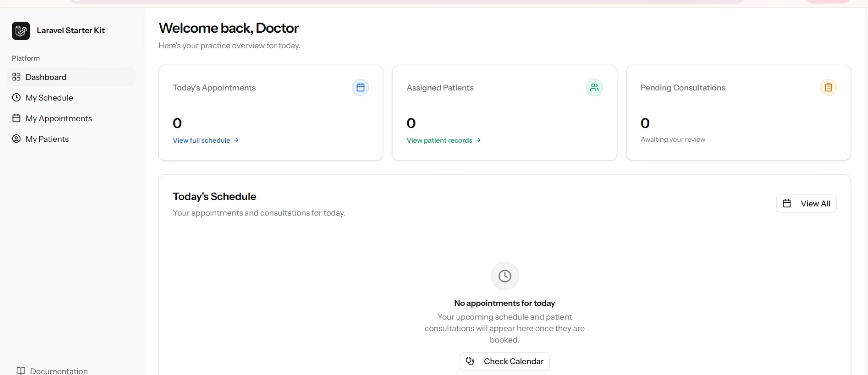
Doctors get a focused view: their appointments, their patients, and their schedule — with full CRUD functionality for managing patient visits.
4. Patient Module
Patients can book appointments, view upcoming visits, and manage their own profile, rounding out the full appointment lifecycle from booking to consultation.
Digitized clinic records and appointment management — the core of what the Patient and Doctor modules deliver.
Key Features You'll Implement
- ✅ Full multi-tenant SaaS architecture with isolated clinic data
- ✅ Role-based authentication and authorization
- ✅ Complete CRUD operations across all modules
- ✅ Reusable, dynamic sidebar navigation
- ✅ Responsive dashboard UI built with React and Tailwind CSS
- ✅ End-to-end testing of the completed application
Database & Multi-Tenancy Design
A well-structured multi-tenant schema typically separates tenant-scoped data from global data. In this course, every clinic-specific model (doctors, patients, appointments) is tied back to a clinic ID, and Laravel's query scoping ensures no request can ever leak across tenant boundaries — a pattern that generalizes well beyond clinics to almost any B2B SaaS product.
A representative view of how tenant data, application logic, and the shared database layer fit together in a multi-tenant system.
Course Timestamps
| Time | Section |
|---|---|
| 00:38 | Project Demo |
| 11:15 | Create New Laravel Project |
| 13:40 | Database Setup, Models, Migrations & Seeders |
| 01:03:06 | Create Sidebar Menu |
| 01:15:12 | Build Super Admin Module |
| 02:33:30 | Build Clinic Admin Module |
| 04:34:59 | Build Doctor Module |
| 05:32:01 | Build Patient Module |
| 06:01:30 | Complete Application Testing |
| 06:07:10 | Wrap Up |
Who This Course Is For
Whether you're learning Laravel, React, or SaaS architecture for the first time, or you're preparing to build enterprise-grade applications professionally, this course walks through every layer — from a blank Laravel install to a fully tested, production-style multi-tenant product.
Final Thoughts
Multi-tenant SaaS is one of the most in-demand architectural patterns in modern web development, and building a real, role-driven application like this Clinic Management System is one of the best ways to internalize the pattern. By the end, you won't just understand multi-tenancy in theory — you'll have shipped a working system with real authentication, real data isolation, and four distinct, production-quality dashboards.